More control over your website with our updated WordPress manual
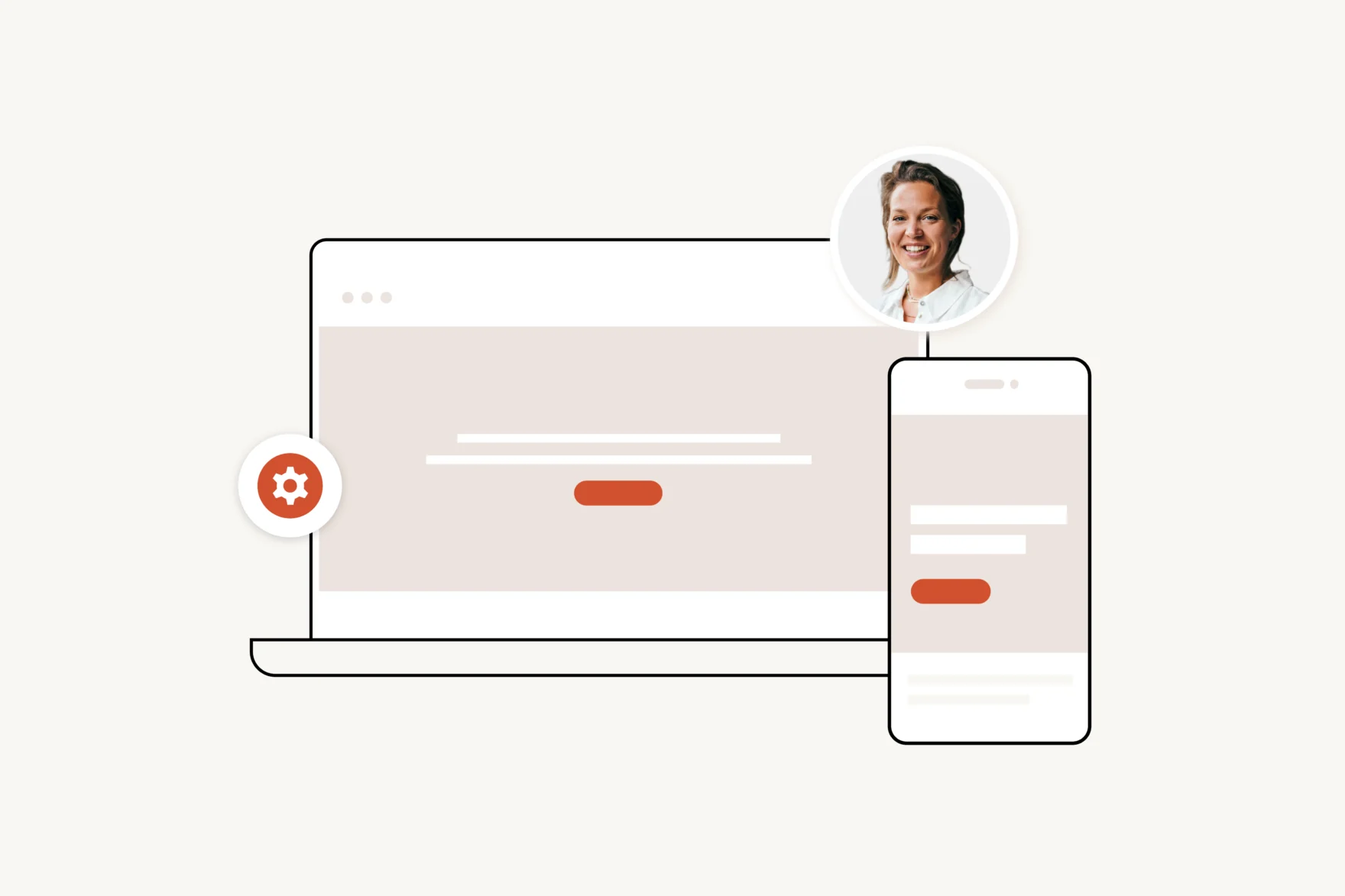
Your website is live and your team is ready to get started with new content. Then come the questions: “Can you add a new page real quick?” or “How did that form work again?” You know it’s possible but the exact steps? You’ve lost track for a moment.
Even after your site goes live, we want to support you as best we can. That’s why we’ve updated our website manual: clearer, more practical, and always within reach. So you have more control over your site and can confidently manage your content. In this article, you can find our more.
What’s in the manual?
Even though WordPress is easy to use, it’s helpful to have one place where everything is explained clearly. How do you create a new page? How do you edit a form? What can you do to improve SEO? In our manual, you’ll find step-by-step guidance on the parts that matter most for your project with visual examples, clear instructions, and practical tips. And the good news, our manuals are custom made per website, no need to read every article on the helpdesk pages.
What’s improved
More and more clients want to manage their own website: edit pages, update forms, optimize performance. An good example is our client Billy Grace. Their wish was that should be easy to use for our team. But to do that, you need quick answers without digging or guessing.
That’s why we improved the manual based on the most common questions we hear. Key improvements include:
- Instantly available via the CMS always right where you need it
- Logically structured, so you can quickly find what you’re looking for
- Equipped with a search function to find topics or features directly
And we’re not stopping there. The manual evolves with what we learn from our clients so it stays relevant and genuinely useful in day-to-day use.
Confidently in control with support if you need it
We’ve made the manual as complete as possible, so you can use it independently. It allows you to manage your content, make adjustments, and explore new features. Need some extra help? You can always schedule a short workshop with one of our developers to go through your questions and the CMS together at your own pace..
Bonus: discover what else your site can do
The manual is there to answer practical questions quickly. But it’s also worth browsing now and then chances are you’ll discover more than you expect. Useful features, smart tips, and ideas to get even more out of your website.
Do you want to get an example from one of our website? Please feel to get in contact. Do you want to know more about our WordPress website, look at our service page or at our WordPress cases here.